License
The License page in the Make Provisioning Tool displays the current licence details for the application. It enables administrators to view licence status, product information, and tenant details, as well as update the licence when required.
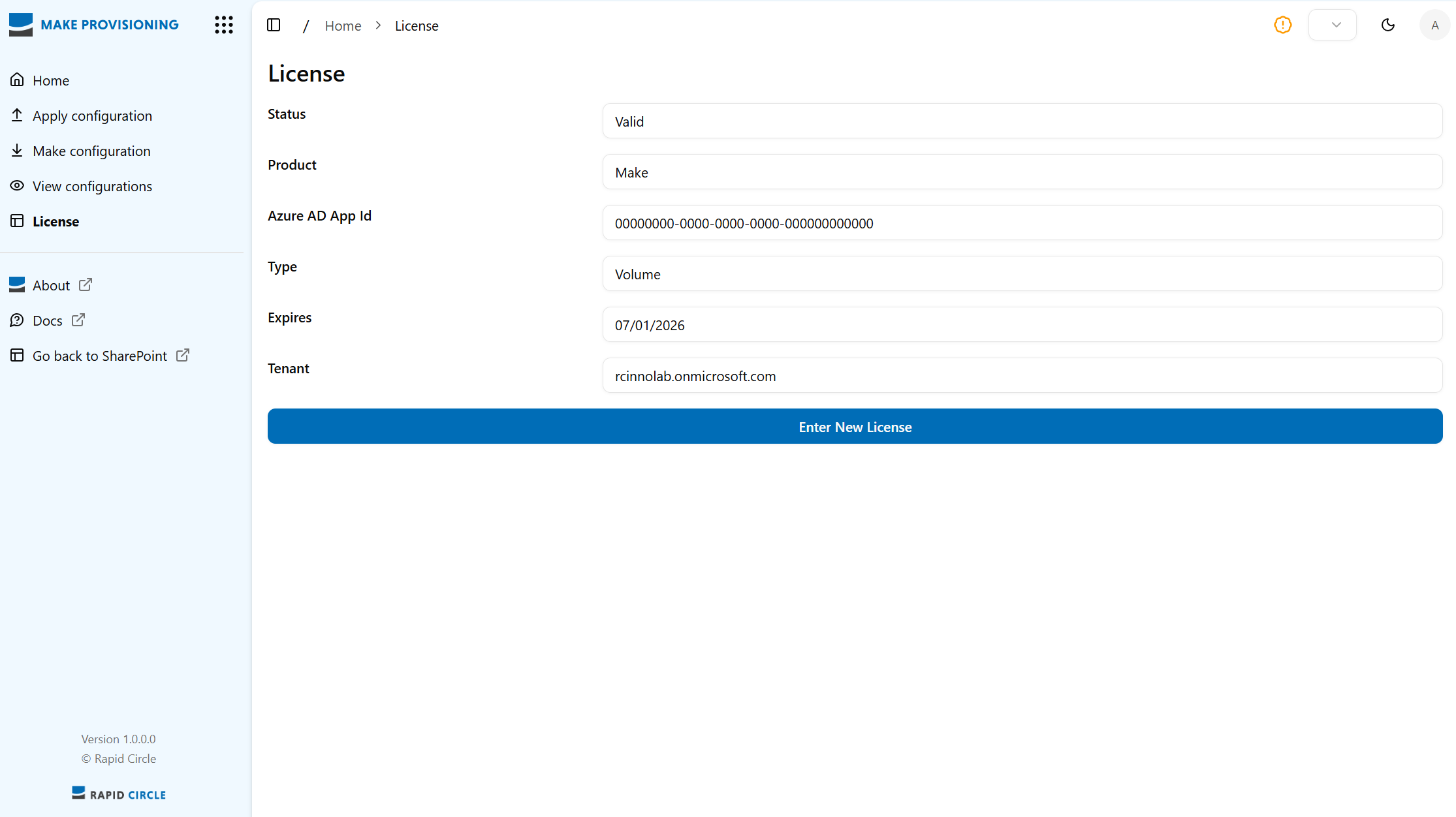
Figure 1: Home screen overview
Fields
| Field | Description | Example |
|---|---|---|
| Status | Displays the current licence status. | Valid |
| Product | Indicates the product name associated with the licence. | Make |
| Azure AD App Id | Shows the unique identifier for the Azure Active Directory application. | - |
| Type | Specifies the licence type. | Volume or Single |
| Expires | Displays the licence expiry date in DD/MM/YYYY format. |
07/01/2026 |
| Tenant | Shows the tenant domain linked to the licence. | tenant.onmicrosoft.com |
Enter New Licence
Click Enter New Licence → A New Licence prompt will open → Enter your licence key and click Submit → A Confirm Licence prompt will appear → Click Store.